
Download CTS Global Camera – webcam, live feed, global, explore, world, weather, travel, screen capture, live video, free
Overview
CTS Global Camera is a lightweight, free application designed to provide users with real-time access to webcams from around the globe. The app enables individuals to explore diverse locations, observe live video feeds, and check weather conditions in various regions—all from a single interface. Its primary purpose is to serve as a digital window into different parts of the world, supporting curiosity, travel planning, and casual observation. Target users include travelers, weather enthusiasts, educators, and anyone interested in experiencing global environments without leaving their homes.
Although the developer did not provide additional technical details, the app’s functionality centers on live video streaming and visual exploration. Real-world use cases include monitoring weather patterns in remote areas, observing time-lapse changes in cityscapes, or simply relaxing with a view of a scenic coastal area. In the broader app ecosystem, CTS Global Camera occupies a niche role as a utility tool for global visual access, offering a no-frills experience focused on simplicity and direct functionality. The app’s release date of February 7, 2013, places it among early web-based visual exploration tools, reflecting a time when real-time global access was still emerging in consumer software.
Key Features & Functionality
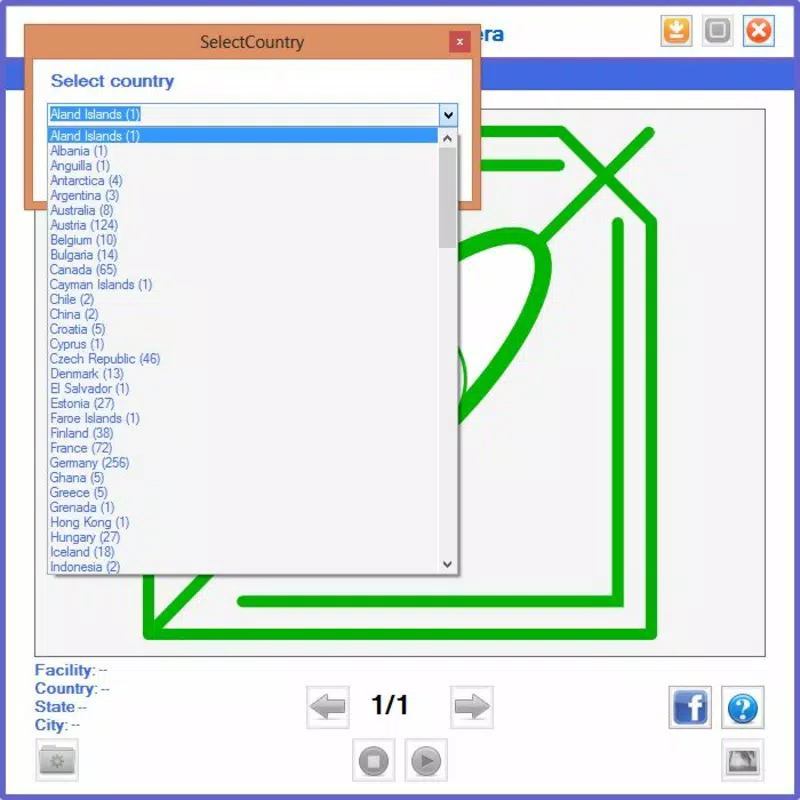
- Global Webcam Access: Users can browse webcams across multiple countries, selecting a region and viewing a curated list of available live feeds. This feature supports exploration of diverse cultures, landscapes, and urban environments.
- User-Friendly Interface: The layout is designed for intuitive navigation, allowing users to scroll through countries and cameras with minimal effort. A clean, straightforward design ensures accessibility for users of all technical levels.
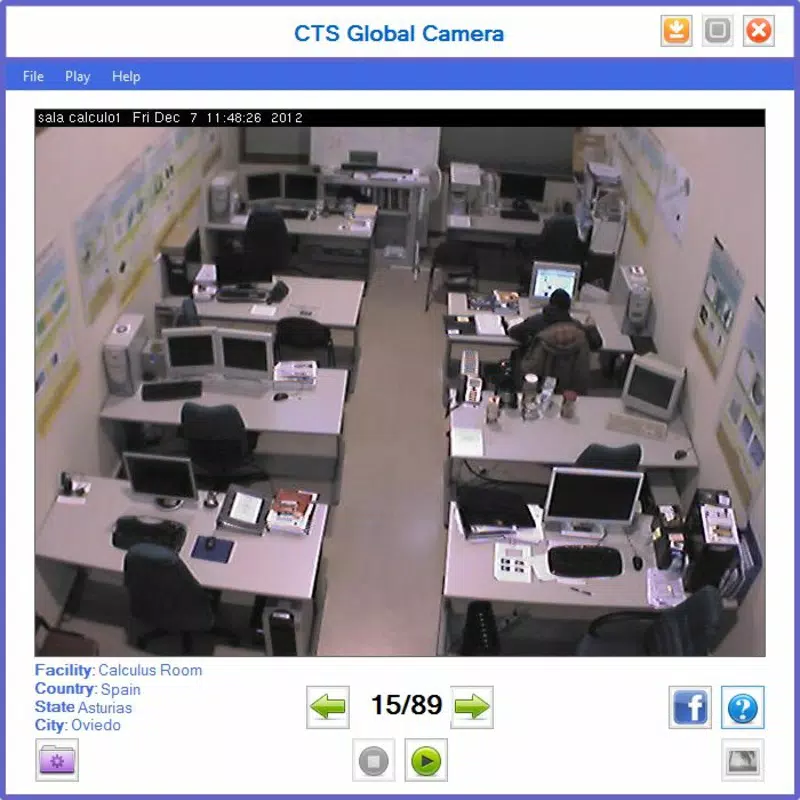
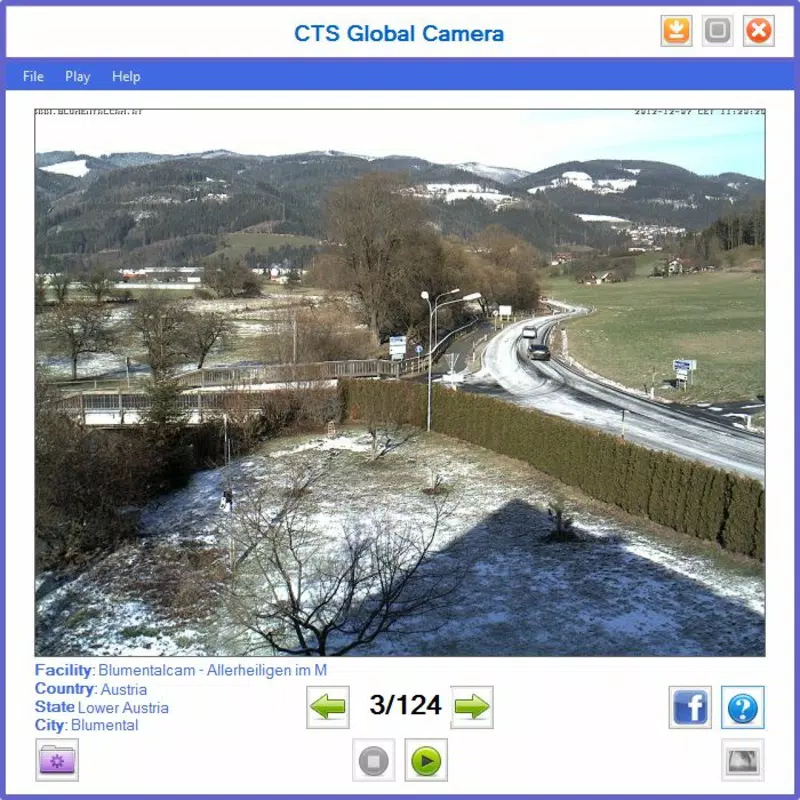
- Live Video Streaming: With a single click on the 'play' button, users can start viewing live video feeds. This real-time functionality enhances the sense of presence and immediacy, making it ideal for monitoring dynamic environments.
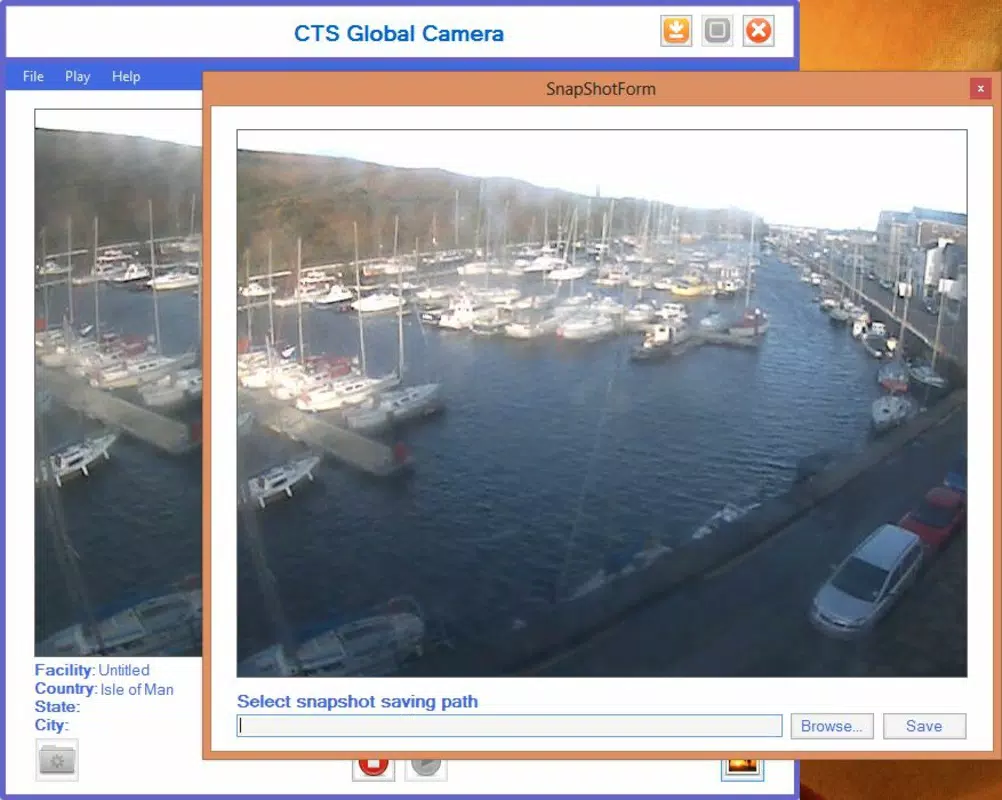
- Screenshot Feature: The app allows users to capture still images from any live feed at any time. These screenshots can be saved directly to the local hard drive, supporting documentation, sharing, or personal archiving.
- Weather Monitoring: By observing visual cues from live feeds—such as cloud cover, daylight, or precipitation—users can infer current weather conditions in specific regions, aiding in travel or event planning.
For example, a user planning a trip to Japan might use the app to check live conditions in Tokyo or Kyoto. Similarly, a teacher could use it to show students real-time views of natural phenomena like snowfall in Norway or sunrise over the Grand Canyon. The combination of global access and practical utility makes the app valuable for both casual and informed users.
Interface, UX & Performance
The interface of CTS Global Camera is minimalistic and focused on core functionality. It presents a list of countries and their associated webcams in a vertically scrollable format, with clear visual indicators for active feeds. Navigation is straightforward: users select a country, scroll through available cameras, and initiate playback with a single button press. The absence of complex menus or settings contributes to a smooth and distraction-free experience.
Although the developer did not list formal performance metrics, the app’s small file size of 1.1 MB suggests optimized resource usage. It is likely to run efficiently on older or low-spec Windows systems, making it accessible to a broad audience. Responsiveness appears to be consistent, with minimal lag between selection and video playback. Stability is implied by its long-standing presence since 2013, though no recent updates have been documented.
Users can expect a stable experience for basic live viewing and screenshot capture. However, the lack of modern UI elements or adaptive design means the app may appear dated on high-resolution screens. Performance on different device categories is not formally specified, but its lightweight nature suggests compatibility across a wide range of systems.
Platform Compatibility & Technical Requirements
CTS Global Camera is designed for the Windows platform. The app’s current version is 1.0, with a file size of 1.1 MB. While the developer did not specify minimum OS requirements, the app’s lightweight nature and release date suggest it is compatible with older Windows versions, including Windows 7 and later.
Compatibility information was not fully disclosed, and no details were provided about specific hardware or software prerequisites. The developer did not list requirements for processor speed, RAM, or graphics capabilities. Users should exercise caution when installing on modern systems, as the app may lack support for newer security protocols or display scaling features.
Pros and Cons
Pros
- Free to download and use with no in-app purchases.
- Lightweight file size (1.1 MB) ensures fast installation and low system impact.
- Simple, intuitive interface ideal for non-technical users.
- Provides real-time access to global webcams for travel and weather insights.
- Includes a built-in screenshot feature for saving visual content.
Cons
- App has not been updated since 2013, raising concerns about long-term compatibility.
- No official support for modern Windows versions or high-DPI displays.
- Limited customization options and no user account or login system.
- Developer did not provide technical specifications or system requirements.
- Live video quality and stream availability depend on third-party webcams, which may be inconsistent.
FAQ
Is CTS Global Camera safe to download?
Yes, the app is free and available through official sources. However, users should ensure they download from trusted websites to avoid bundled software.
Can I use CTS Global Camera on Android or iOS?
Currently, the app is only available for Windows. There is no official version for Android or iOS devices.
Does the app require an internet connection?
Yes, a stable internet connection is required to access live video feeds from global webcams.
How do I take a screenshot with CTS Global Camera?
Users can capture a still image at any time during playback. The screenshot is automatically saved to the local hard drive.
Is the app regularly updated?
As of the current version (1.0), no updates have been released since 2013. The developer has not indicated plans for future updates.
Final Thoughts
CTS Global Camera remains a unique tool in the realm of global visual exploration, offering free access to live webcams across the world. Its simplicity, lightweight design, and practical features like screenshot capture make it a reliable utility for users seeking real-time views of distant locations. While the app lacks modern enhancements and has not been updated in over a decade, its core functionality remains intact and useful for basic observation and travel planning.
It is best suited for users with older Windows systems or those who value straightforward, no-nonsense tools. For anyone interested in checking global weather, exploring new places, or simply enjoying live views from around the world, CTS Global Camera delivers a functional and secure experience.
Download CTS Global Camera now


